Custom Composition
This page demonstrates how to compose pages from Markdown using the call-partial shortcode — no custom HTML templates needed.
How it works
Instead of using a fixed layout type like board or assembly, you can insert any partial directly in your Markdown:
{{< call-partial "kicanvas.html" >}}
{{< call-partial "gallery.html" >}}
{{< call-partial "ibom.html" >}}
{{< call-partial "assembly.html" >}}
{{< call-partial "bom.html" >}}
{{< call-partial "diffs.html" >}}
{{< call-partial "diffs-pdf.html" >}}
{{< call-partial "download-list.html" >}}
This lets you mix and match components freely, add your own content between them, and control the order.
Schematic & PCB
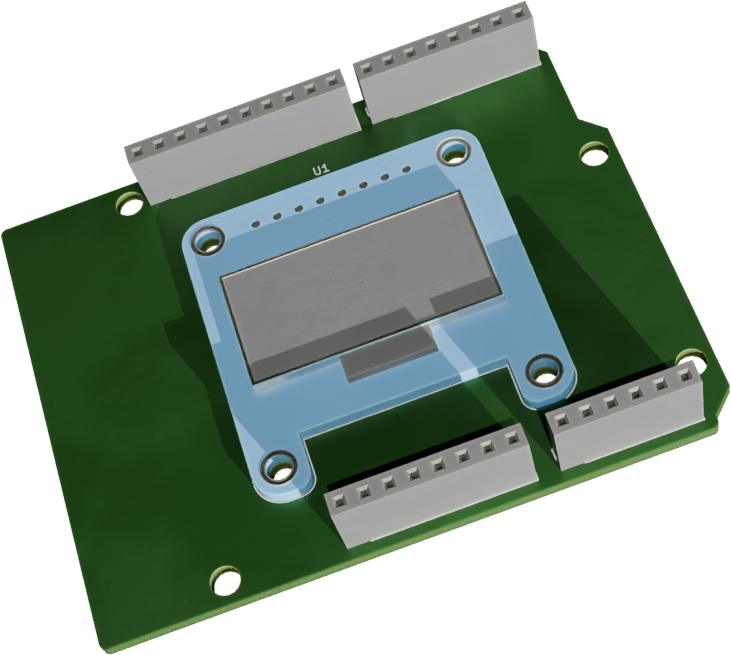
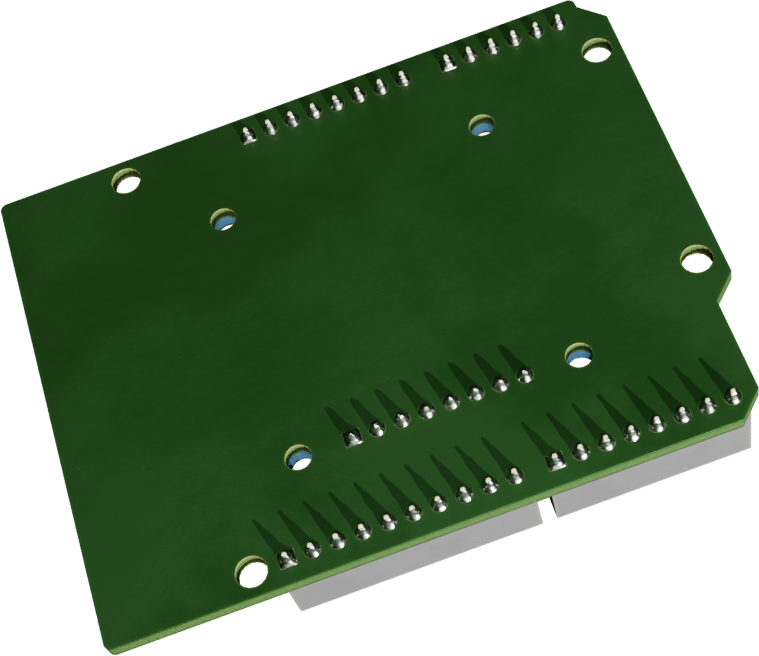
3D Renders
Interactive BOM
BOM (HTML)
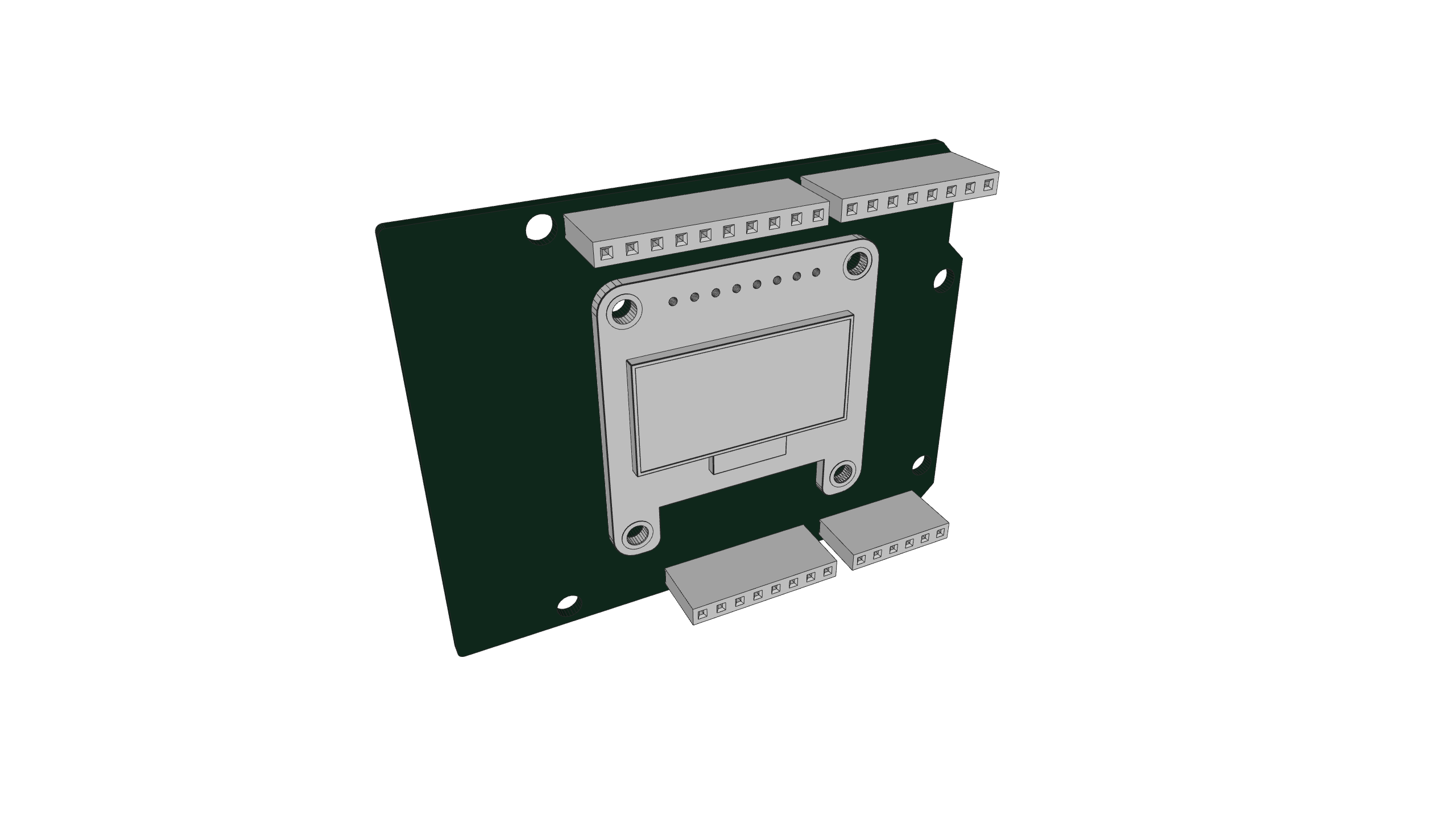
3D Assembly
arduino
Downloads
Diffs
Diffs (embedded PDF)
Arduino_Uno Diff_pcb.Pdf
Arduino_Uno Diff_sch.Pdf
Why use this?
- Full control over page structure and content order
- No Go/HTML knowledge required — pure Markdown
- Mix components with your own prose, tables, images, etc.
- Works with any partial:
gallery.html,kicanvas.html,ibom.html,assembly.html